
Follow-ups Overview
What are quote follow-ups?
Section titled “What are quote follow-ups?”Follow-ups are reminders and tasks tied to quote requests. They help you remember to call a customer back, send a revision, or log that you’ve completed a touchpoint. Each follow-up has a date/time, an optional note, and a status. Keeping follow-ups up to date improves conversion and ensures nothing slips through the cracks. The Scorecard can show metrics like average follow-ups per sale.
Where to find follow-ups
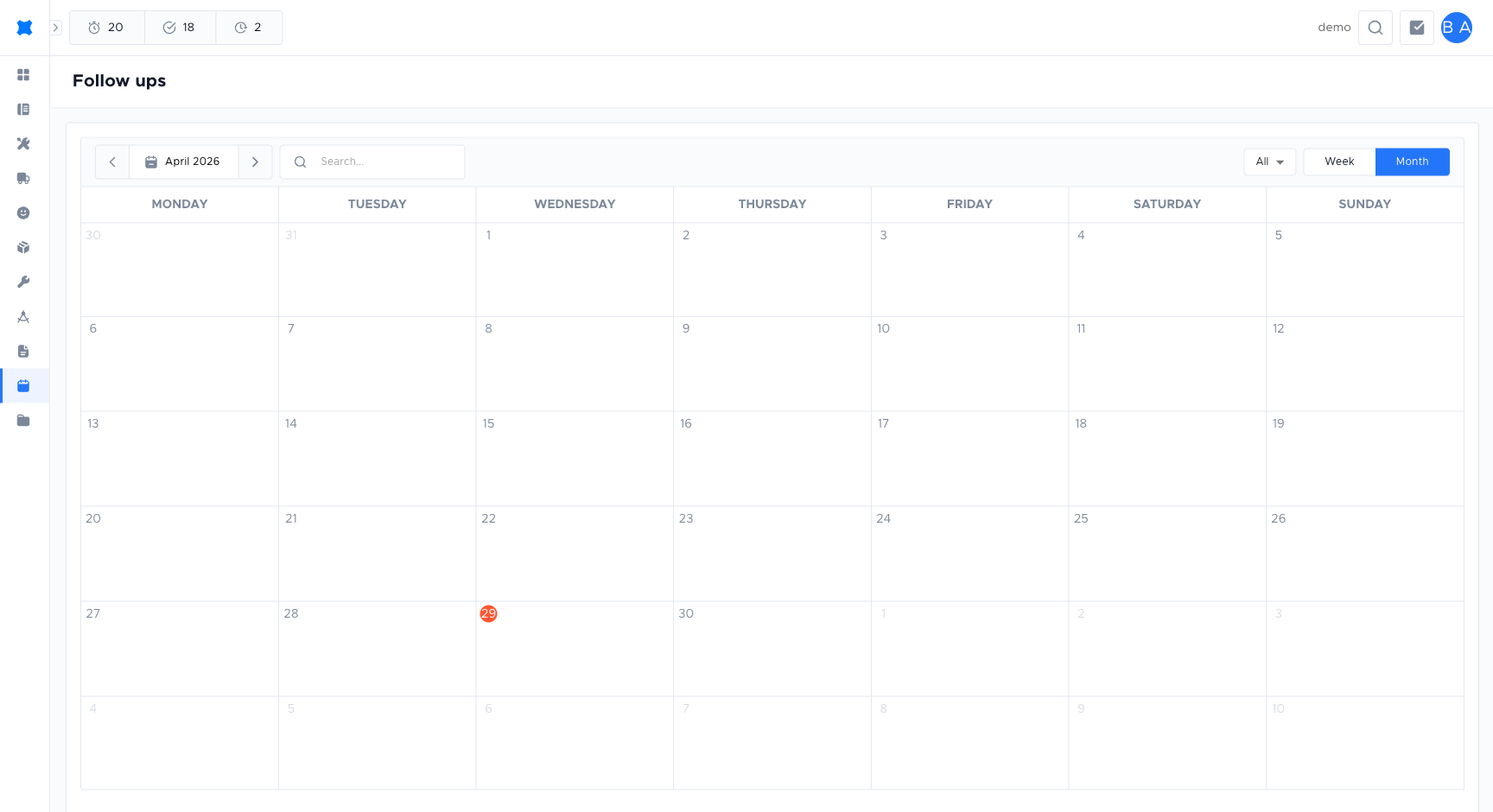
Section titled “Where to find follow-ups”- Follow-ups (sidebar): opens the Follow-ups page with a calendar and list view. Use it to see all your scheduled follow-ups in one place and filter by date range or status.
- Quote request detail: from any quote request, use Log Follow Up or Schedule Follow Up to add or edit follow-ups for that request. You can also see the follow-up timeline and Next Follow Up there.
The quote request list shows a follow-up count and Next Follow Up date so you can spot which requests need attention.
Follow-up statuses
Section titled “Follow-up statuses”- Scheduled: a future reminder (e.g. “Call back Tuesday at 2pm”). Shows on the calendar and in the list until it’s logged.
- Unable to Reach: you tried but couldn’t get through; you can log this and set a new follow-up so you don’t forget to try again.
- Completed: the follow-up was done (e.g. call completed, email sent). Stays in the timeline for history.
Frequently asked questions
Section titled “Frequently asked questions”A follow-up I scheduled doesn’t appear on the calendar
Only “Scheduled” follow-ups appear on the calendar. Logged follow-ups (Completed, Unable to Reach) show in the list/timeline but not on the calendar.
”Schedule Follow Up” is not available on a quote request
The request may be Closed or Declined. Follow-ups can typically only be added to active requests.
My follow-up count on the Scorecard doesn’t match my records
The Scorecard may aggregate by a different date range or only count follow-ups for requests you are the lead on. Adjust the filters.
Things to check
Section titled “Things to check”Follow-up not appearing on the Follow-ups calendar
Only Scheduled follow-ups appear on the calendar. Logged follow-ups (Completed, Unable to Reach) show in the timeline but not the calendar. Check the follow-up status.
”Schedule Follow Up” or “Log Follow Up” buttons missing on a quote request
The request may be Closed or Declined. Follow-ups can typically only be added to active requests. Check the quote request status first.
Follow-up count on the Scorecard doesn’t match what you see in the list
The Scorecard may filter by a different date range or count only follow-ups for requests where you are the lead. Adjust the filters in both places to match.