
Transfers Overview
What are transfers?
Section titled “What are transfers?”Transfers send data from brix to external tools such as AroFlo or ServiceM8. You can transfer clients (customers) and quote requests so that your job management or field-service app stays in sync with brix. Your admin configures which destinations are enabled and how they connect. See the Integrations section for the setup guides.
Each transfer has a destination (which external system), a record type (Client or Quote Request), and a status so you can see whether it is pending, in progress, completed, or failed.
Where to find transfers
Section titled “Where to find transfers”Click Transfers in the sidebar (or Manage → Transfer Logs). You will first choose a service (destination), such as AroFlo or ServiceM8, then see the list of transfers for that destination.
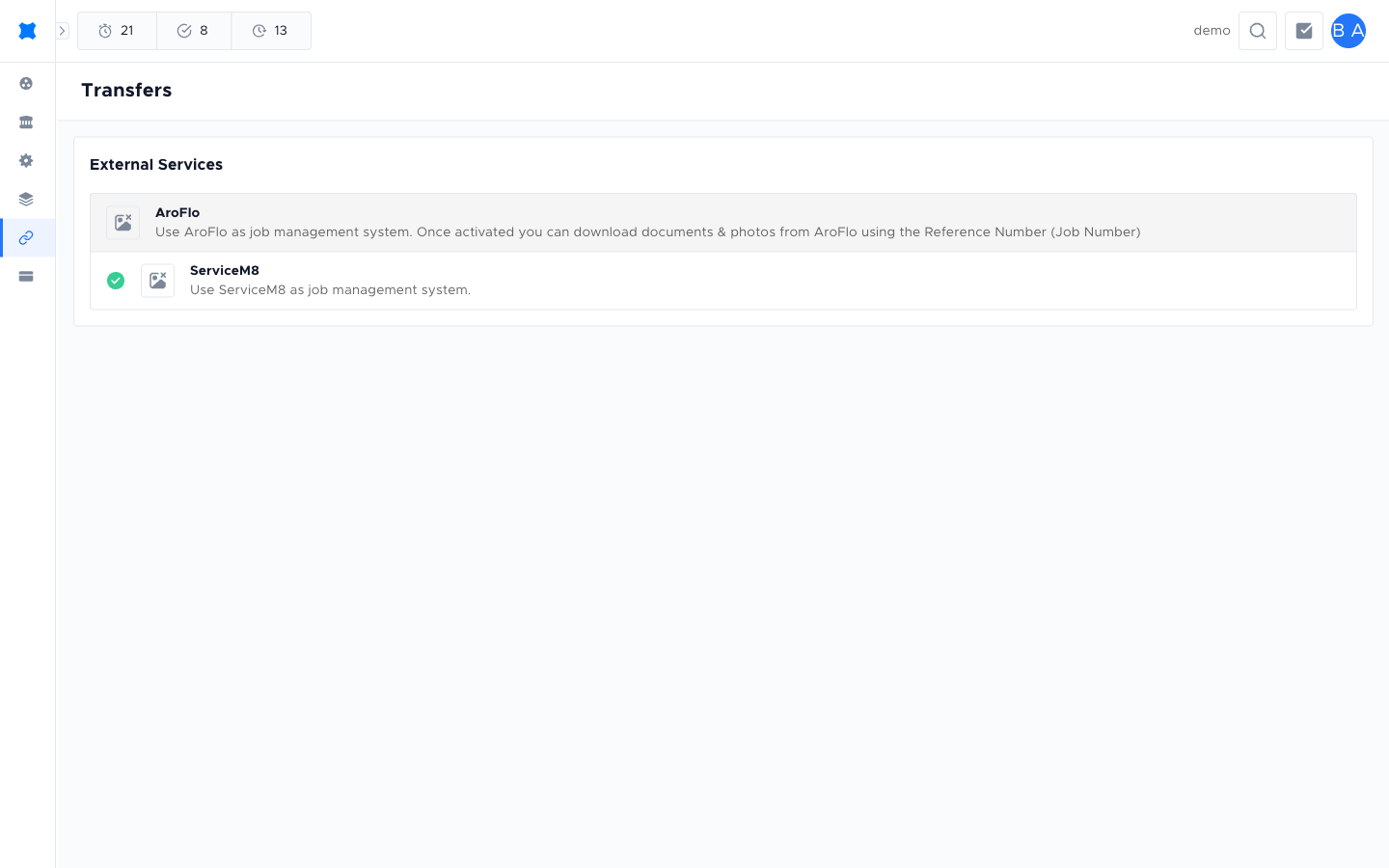
After picking a destination, the list shows record type (Quote Request or Client), reference or name, destination, status, and when it was transferred. Click a row to open Transfer details and view logs.
Transfer statuses
Section titled “Transfer statuses”| Status | Meaning |
|---|---|
| Pending | The transfer has not been sent yet. |
| In Progress | The transfer is currently being sent to the external system. |
| Success | The transfer completed without error. |
| Failed | The transfer encountered an error. You can retry it. |
| Cancelled | The transfer was cancelled before it was sent. |
Frequently asked questions
Section titled “Frequently asked questions”Can I transfer any client or quote request?
You can transfer records to the destinations that your admin has enabled. If you do not see a destination, it may not be set up for your workspace. Contact your admin.
What happens if a transfer fails?
A failed transfer can be retried. Open the transfer details to see the error message, then use Retry Transfer or Start Transfer on the row.
Things to check
Section titled “Things to check”No destinations showing in the Transfers list
Your admin may not have connected any external systems yet. See the Integrations guide to set up a connection.
Transfer shows Failed status repeatedly
Open the transfer details and check the error log. Common causes include changed credentials or a record that the external system does not recognise. Contact your admin if the error is unclear.