
Templates Overview
What are templates?
Section titled “What are templates?”brix has four types of templates, each serving a different part of the quoting process. Understanding which type you need saves time when setting up or adjusting your quoting workflow.
Template types at a glance
Section titled “Template types at a glance”| Template type | What it is | Where to find it | More info |
|---|---|---|---|
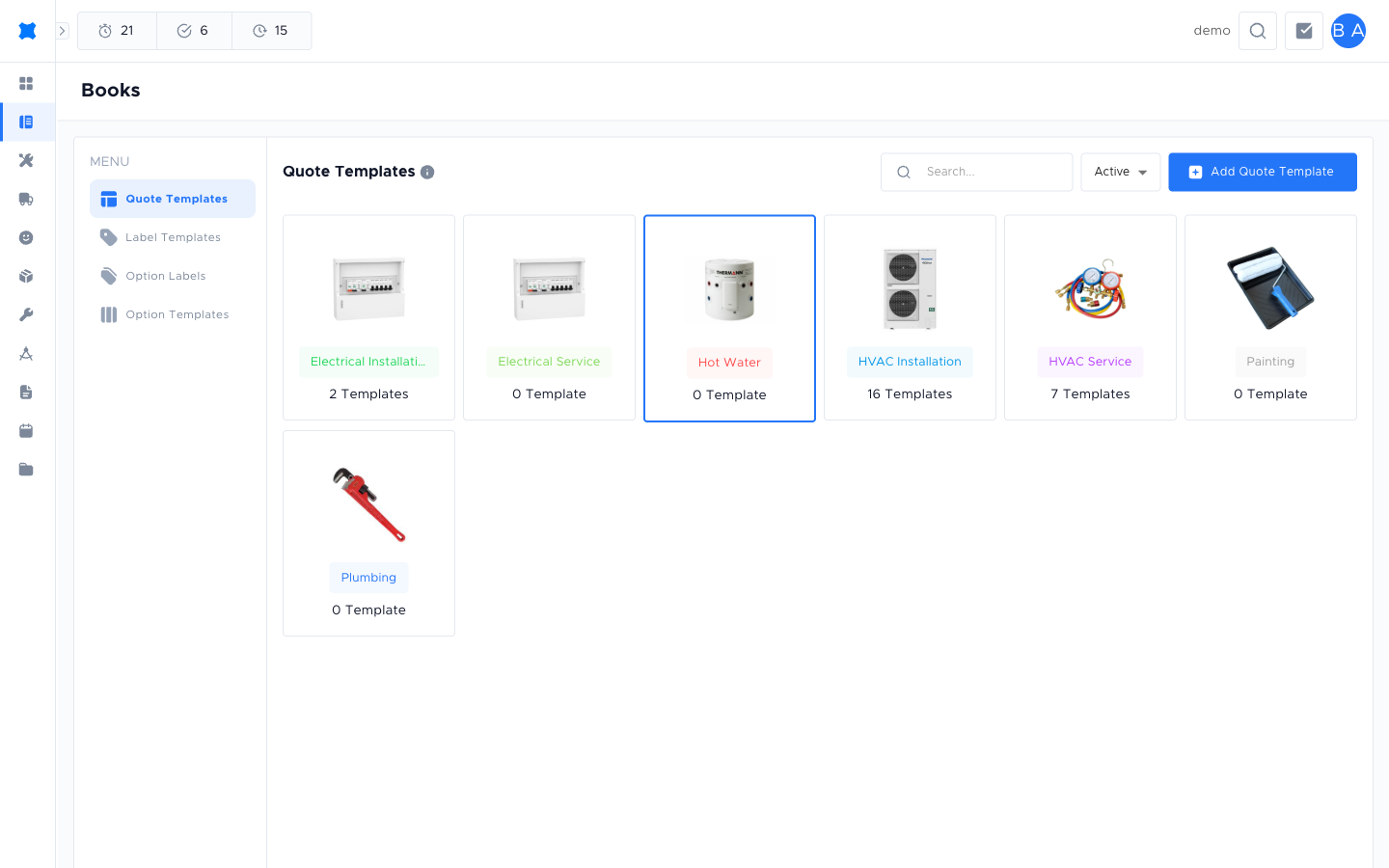
| Quote templates | Pre-built sets of services and lines you apply to a quote option to speed up quoting for standard job types. | Quotes → Books → Templates → Quote Templates tab | Quote Templates |
| Option templates | Visual layouts for the customer-facing quote document: cover page, section order, and branding. | Quotes → Books → Templates → Option Boards tab | Option Templates |
| Description templates | Reusable text snippets for service line descriptions, keeping your quotes consistent and professional. | Manage → Templates → Description Templates | Description Templates |
| Label templates | Templates for printing identification labels on materials, equipment, or assets. | Quotes → Books → Templates → Label Templates tab | Label Templates |
What happens next?
Section titled “What happens next?”Most quoting workflows use quote templates (to build the quote lines) and option templates (to control how the document looks to the customer). Description templates and label templates are set up less frequently and managed by an admin. If you are new to templates, start with Quote Templates.
Things to check
Section titled “Things to check”I can’t find the Templates tab
The Templates tab is inside Books. Go to Quotes → Books → Templates using the navigation in the top bar. If you don’t see it, you may not have access. Ask your admin.
Description templates are in a different location
Description templates live under Manage → Templates, not under Books. See Description Templates for the exact path.