
To-do List
What is the to-do list?
Section titled “What is the to-do list?”The to-do list is a centralised view of action items and reminders generated from activity across brix, such as follow-up tasks, quote actions, or notes added by team members. It gives you a single place to see what needs your attention without jumping between quote requests and follow-ups.
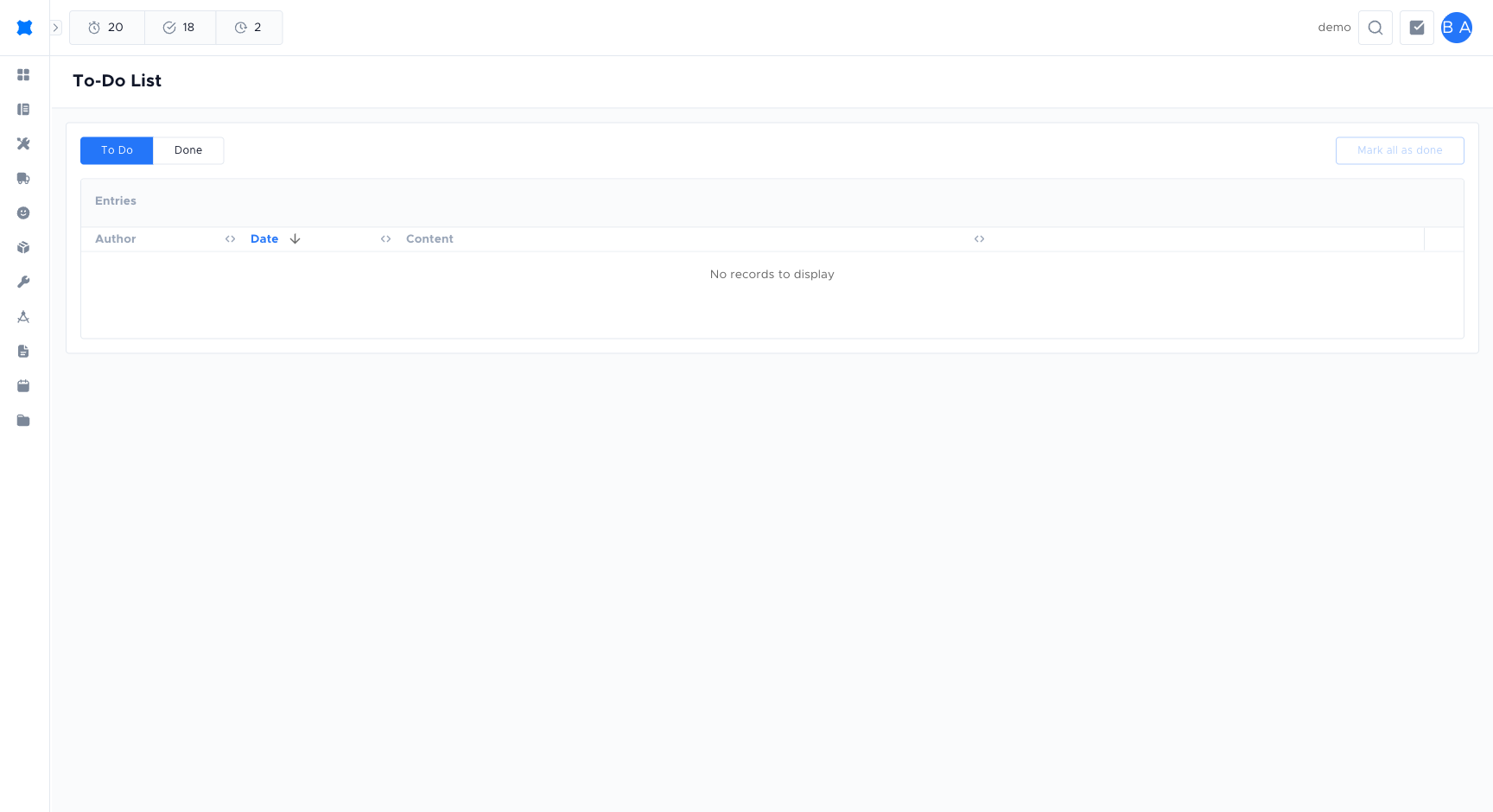
Each to-do item shows:
- Author: who created or assigned the task.
- Date: when the to-do was created.
- Content: the task title and any additional notes.
Where to find the to-do list
Section titled “Where to find the to-do list”Click To-do (or Todo list) in the sidebar. You will see a table of your to-do items.
Completing a to-do
Section titled “Completing a to-do”-
Click To-do List in the sidebar.
-
Find the to-do item you want to complete.
-
Click the Done (check) button on the right of the row to mark it as complete.
-
The item moves to the Done tab.
If you marked something done by mistake, switch to the Done tab and click Undo (the back-arrow icon) to restore it to the To-do tab.
To-do statuses
Section titled “To-do statuses”| Status | Meaning |
|---|---|
| Open | The task is pending and still needs to be done. |
| Complete | The task has been finished and is moved to the completed list. |
Filtering by status
Section titled “Filtering by status”Use the To Do / Done toggle at the top of the list to switch between:
- To Do: items that still need action.
- Done: items you have already completed.
Mark all as done
Section titled “Mark all as done”If you have multiple to-dos and want to clear them all at once, click Mark all as done at the top right of the list. This completes every item currently shown in the To Do view.
Navigating to the source
Section titled “Navigating to the source”Many to-do items are linked to a specific record in brix (for example, a quote request). Click the row to jump directly to the linked page so you can take action in context.
Frequently asked questions
Section titled “Frequently asked questions”Can I create a to-do item manually?
Most to-do items are generated automatically from actions in brix (for example, a follow-up reminder). Check with your admin for your workspace’s configuration; some setups allow manual to-do creation.
Can I assign a to-do to another team member?
To-do items are associated with the user whose actions generated them. For assigning work to other team members, use Follow-ups to schedule reminders linked to quote requests.
Why do I see to-do items I did not create?
Some to-do items are visible across the team depending on your role and permission settings. Ask your admin if you are seeing items that should not be visible to you.
Things to check
Section titled “Things to check”To-do items not appearing
Use the Todo toggle to ensure you are viewing Open items, not the Done tab. Also check that you are logged in to the correct workspace.
Marked an item done by mistake
Switch to the Done tab and click Undo to restore the item to the To-do list.