Getting Started
Logging in
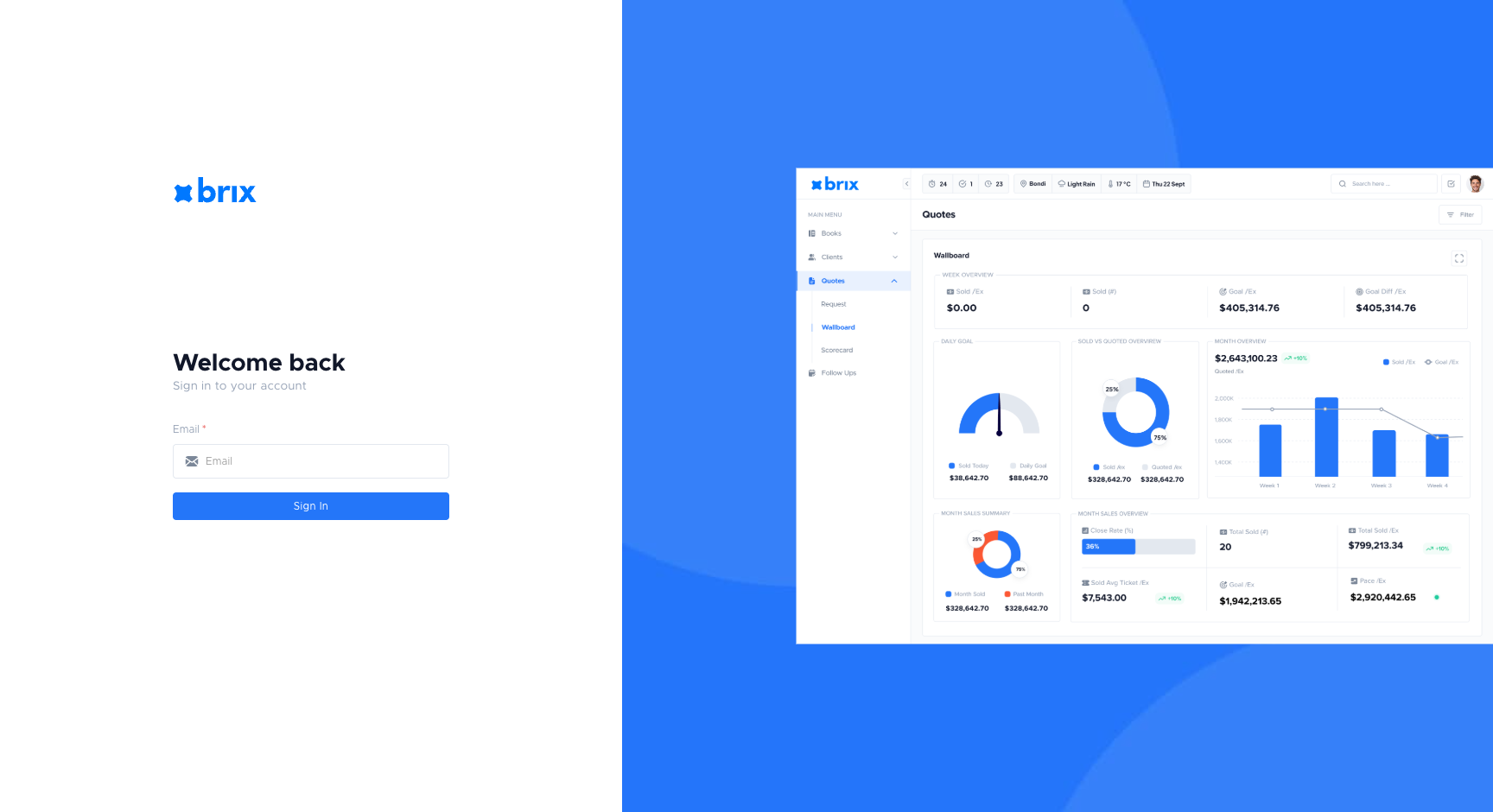
Section titled “Logging in”- Open brix in your browser (your company will give you the link).
- Enter your email and request a one-time passcode.
- Check your inbox, enter the one-time passcode from the email, and sign in.
If you don’t have an account yet, the app is currently invite-only. Go to https://brixco.io/sign-me-up/ to join the wait list. If you’ve been invited, you’ll receive an email with a one-time passcode.
First-time setup
Section titled “First-time setup”The app is invite-only at the moment. To get access, go to https://brixco.io/sign-me-up/ to join the wait list.
Once you have access, the next page explains how to find your way around.