
Description Templates
What is a description template?
Section titled “What is a description template?”A description template is a pre-written text snippet that you apply to a service line’s description field in a quote. Instead of writing the same description from scratch each time, you apply a template to fill in a consistent, professional description automatically.
Where to find description templates
Section titled “Where to find description templates”Description templates are managed under Manage → Templates → Description Templates. This is different from quote and option templates, which are under Books.
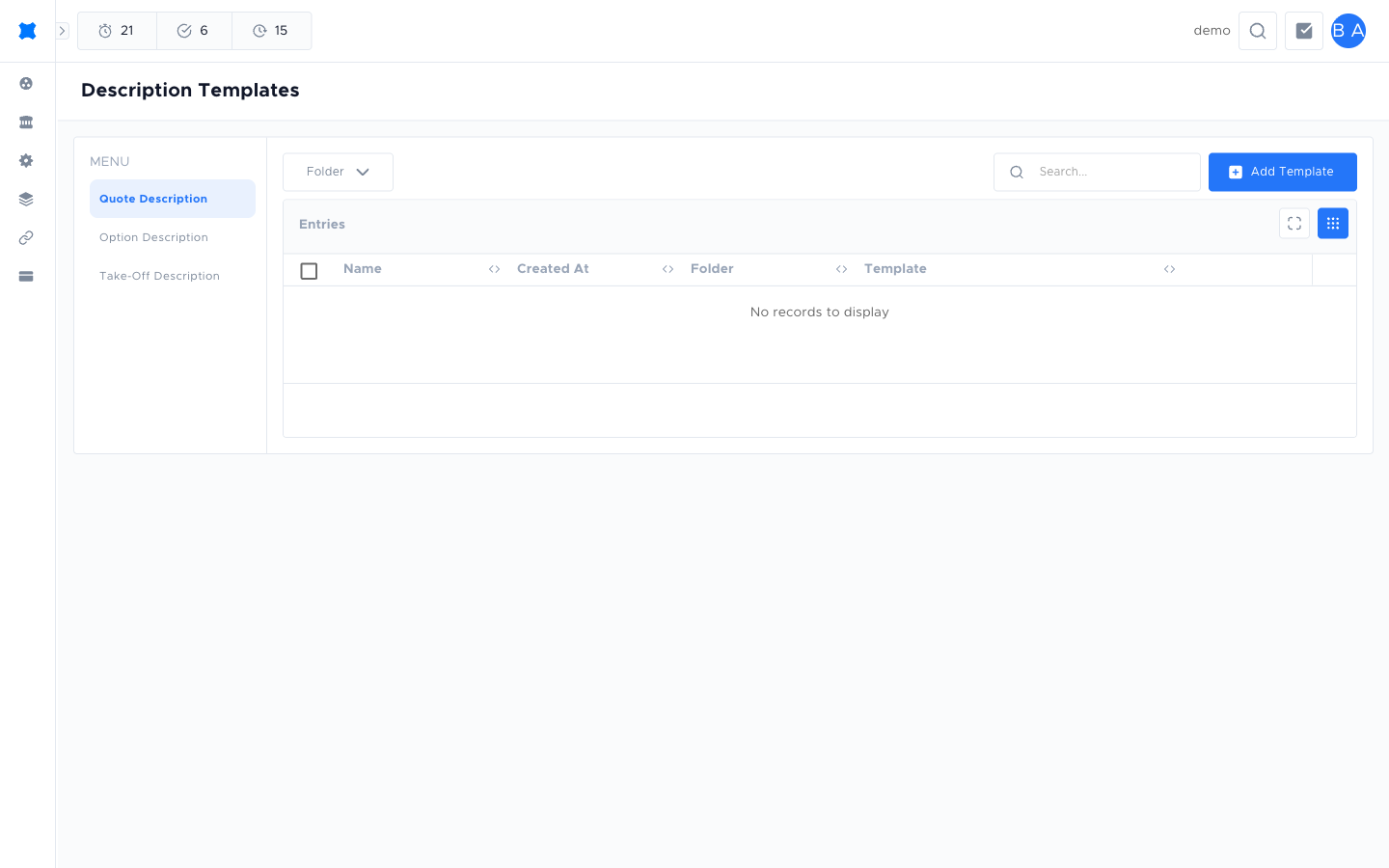
Creating a description template
Section titled “Creating a description template”-
Go to Manage → Templates → Description Templates.
-
Click Add or the add button.
-
Enter a Name (internal reference) and the description text.
-
Click Save.
Applying a description template
Section titled “Applying a description template”When editing a service line description in a quote, look for the template icon or Apply template option in the description field. Select a description template to insert the pre-written text. You can edit the text further after applying it.
What happens next?
Section titled “What happens next?”Description templates help speed up quoting when your jobs involve repeated service types with standard descriptions. After applying a template, adjust the description for any job-specific details. See Quote Templates for pre-building the service lines themselves.
Things to check
Section titled “Things to check”The description template option doesn’t appear in the service line
Not all service line editors support description templates. Check that the correct service type supports it, or ask your admin.
My description template text is outdated
Update it under Manage → Templates → Description Templates. Changes apply to future quote lines; existing quote lines are not retroactively updated.