
Option Templates
What is an option template?
Section titled “What is an option template?”An option template defines the visual layout of the quote document you send to the customer. It controls the cover page design, the order of sections (e.g. scope, options, acceptance area), and your company’s branding. Your admin creates option templates in Books.
Where to find option templates
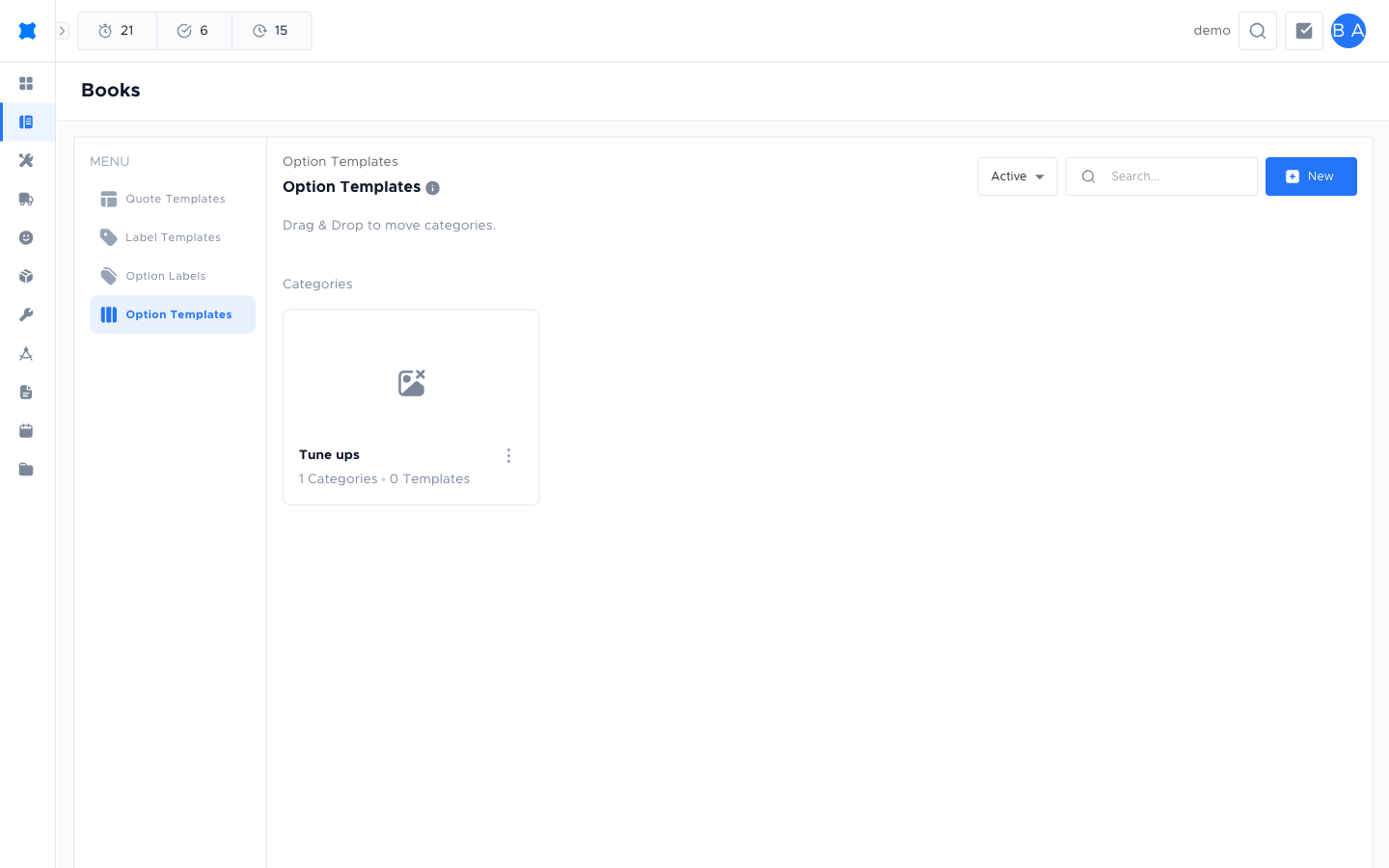
Section titled “Where to find option templates”Go to Quotes → Books → Templates → Option Boards tab.
Creating an option template
Section titled “Creating an option template”-
Go to Quotes → Books → Templates → Option Boards tab.
-
Click New.
-
Enter a Name and a Description (optional, to help distinguish templates if you have several).
-
Configure the layout options: cover page style, section order, and branding fields.
-
Click Save.
Choosing a template when sending a quote
Section titled “Choosing a template when sending a quote”When you finalise a quote and are ready to send it to the customer, brix prompts you to choose an option template (or uses a default if one is set). The template controls how the PDF or online quote looks to the customer.
What happens next?
Section titled “What happens next?”After setting up an option template, go to Creating and Sending Quotes to see how to apply it when sending a quote. Use Quote Templates to control the quote content (services and lines).
Things to check
Section titled “Things to check”The customer’s quote does not show my company logo
The logo may not be set in the option template or your workspace’s branding settings. Ask your admin to update the template.
I can’t see the Option Boards tab
Your role may not include access to template management. Contact your admin.